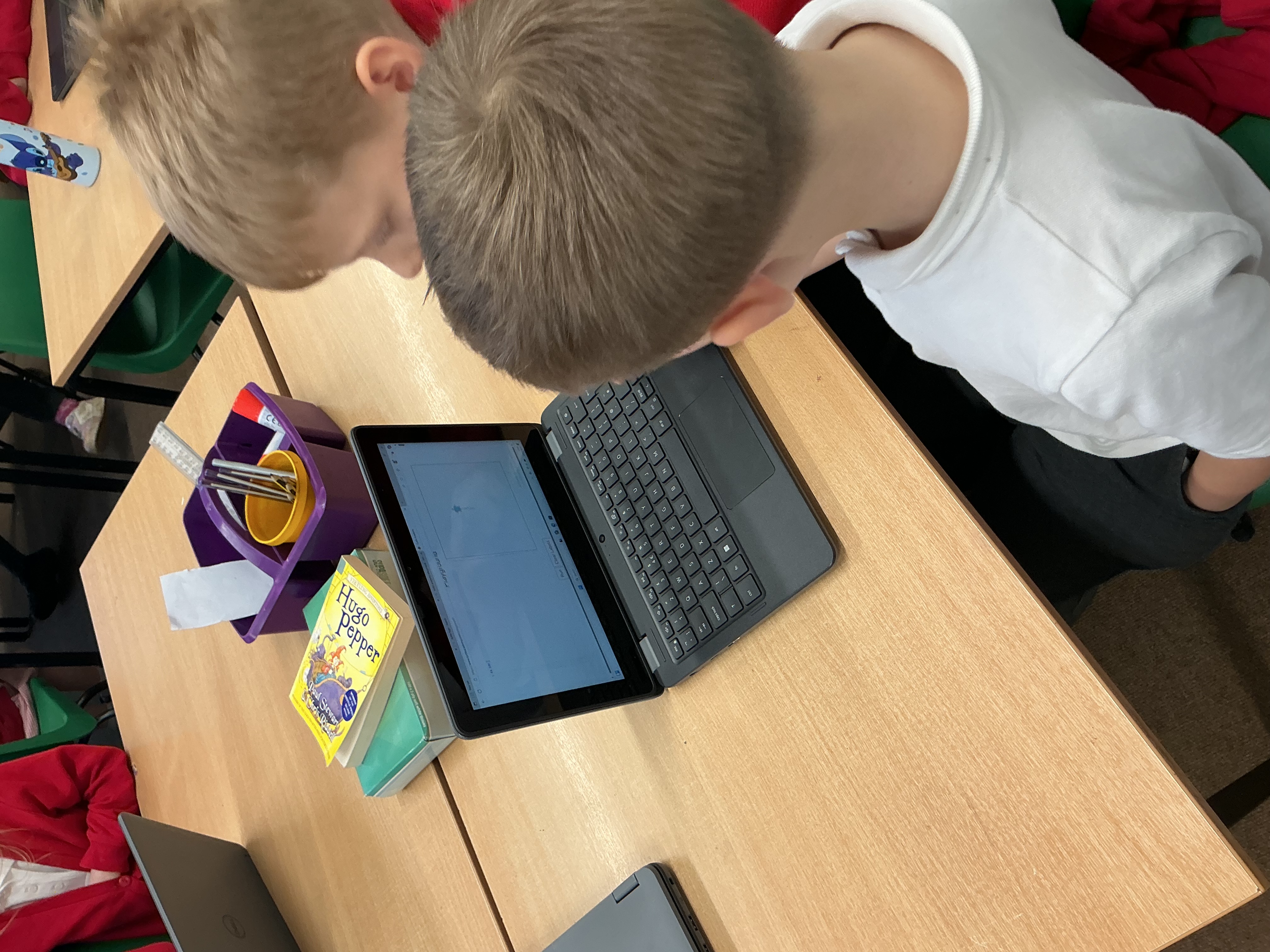
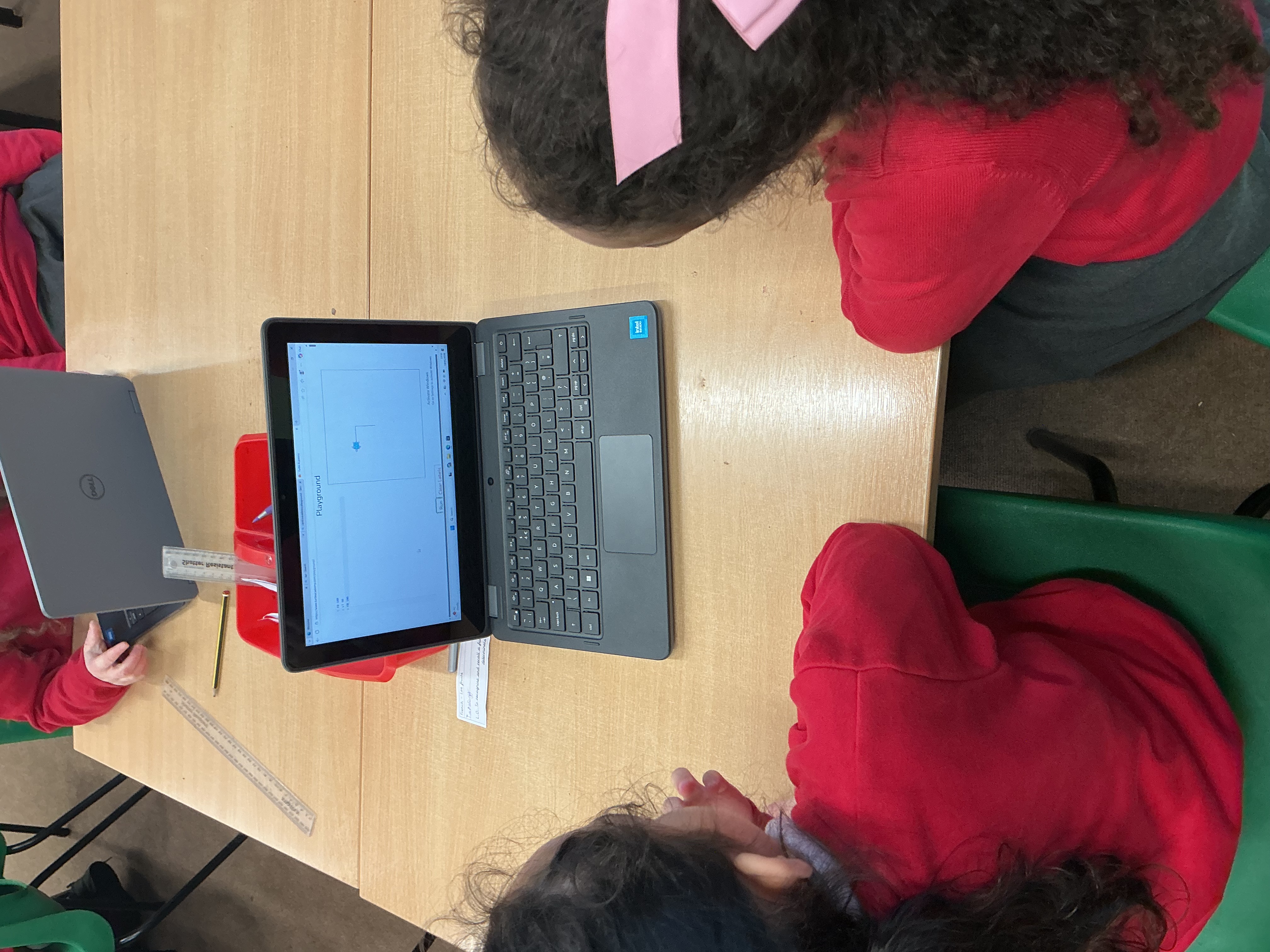
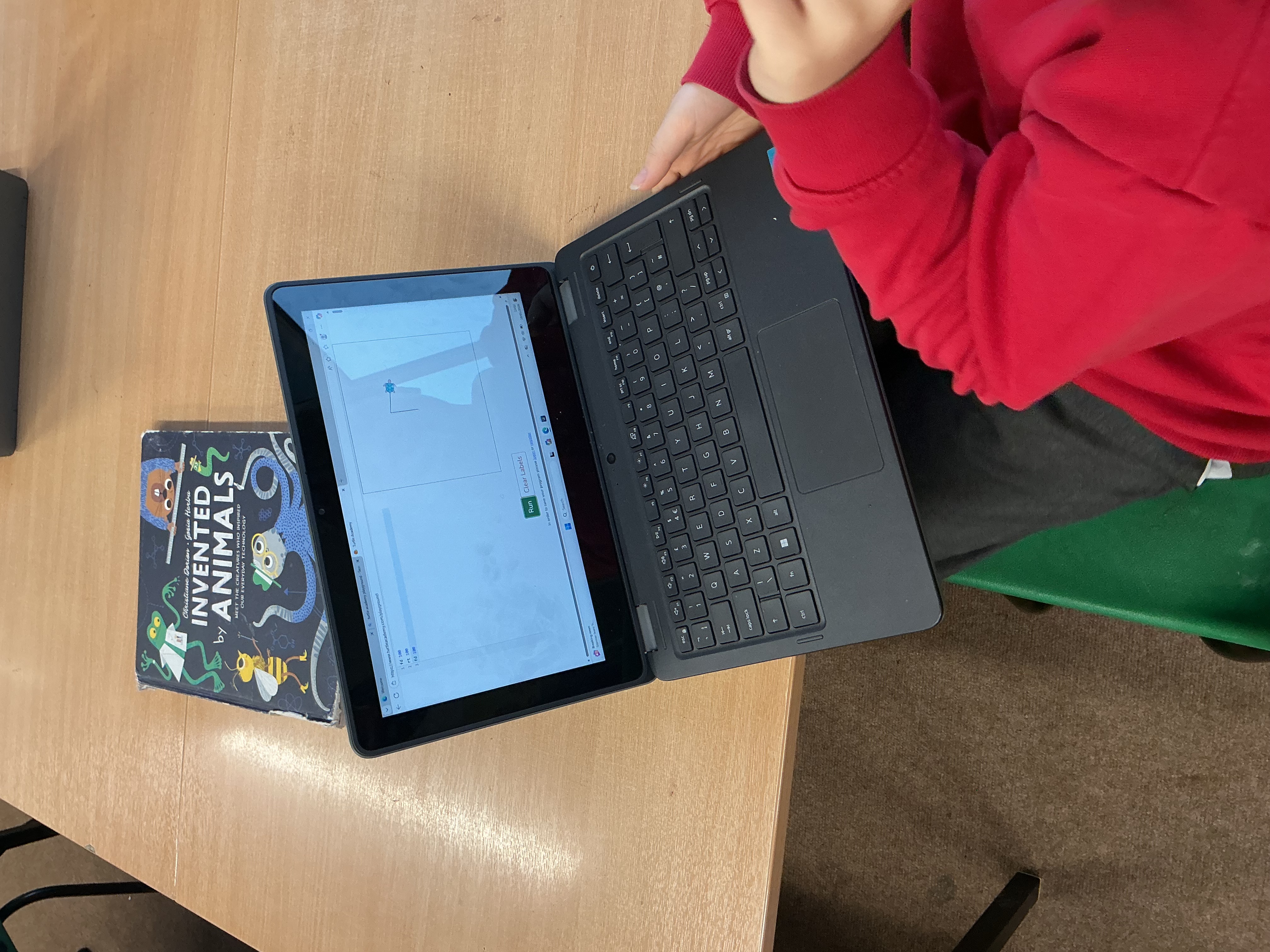
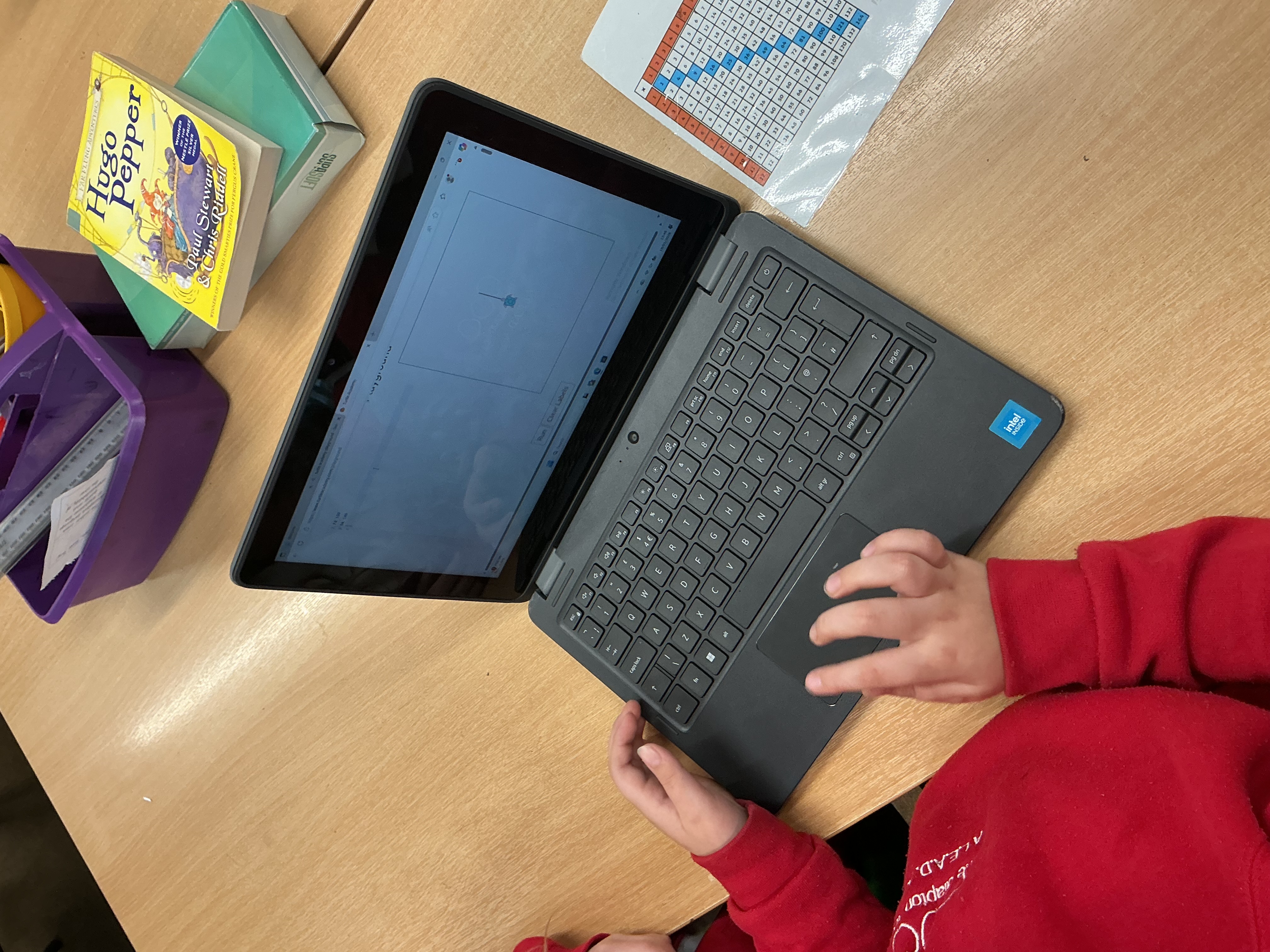
Wednesday 14th October
Wednesday 18th November
Friday 4th December


I am Harrison Phillips the Computing lead.
Our curriculum for Computing aims to ensure that all pupils:
• Use technology safely and responsibly
• Recognise acceptable and unacceptable behaviour, and know where to go for help and support when they have concerns about content or contact on the internet
• Select, use and combine a variety d software on a range of digital devices to create organise, store and achieve given goals.
• Use logical reasoning to explain how simple algorithms work
• Design, write and debug programs that accomplish specific goals including controlling or simulating systems.
• Understand computer networks including the internet, how they can provide multiple services and the opportunities they offer.
Key Responsibilities
Computing and Online Safety across school and with our parent community.
Values
Computing is for everyone, and all pupils are capable of success regardless of background, gender, or ability
Curiosity is valued, and pupils are encouraged to explore, question, and wonder about how technology works
Mistakes are seen as a positive part of learning, and perseverance is essential when solving problems
Technology should be used responsibly, safely, and with respect for others
Creativity is valued as much as technical skill in computing
Subject Aims
Encourage curiosity and creativity by allowing children to explore technology, ask questions, and create their own digital content
Develop problem-solving skills and resilience by teaching pupils that mistakes are part of learning and perseverance is important
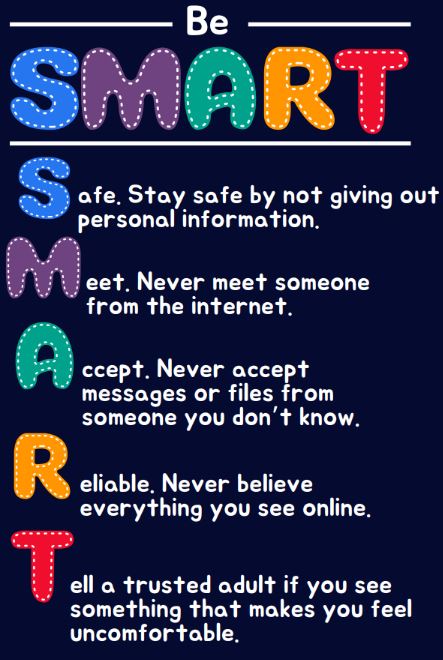
Promote digital responsibility and online safety so children understand how to stay safe, protect personal information, and behave respectfully online
Build computational thinking skills such as logical reasoning, pattern recognition, decomposition, and sequencing in age-appropriate ways
Support collaboration and communication by encouraging pupils to work together, share ideas, and explain their thinking
Ensure inclusion and accessibility so all children feel confident and capable in computing, regardless of background or ability
Foster independence and confidence by helping pupils become self-reliant and responsible users of technology
Increase real-world awareness by showing how computing impacts everyday life, society, and future careers
Teach ethical use of technology, including respect for digital work, fairness, and understanding consequences of digital actions
Maintain enjoyment and engagement so computing is fun, motivating, and builds a positive attitude toward learning
Achievements